登录 -> 阿里云工作台: https://cr.console.aliyun.com/
创建个人 ACR
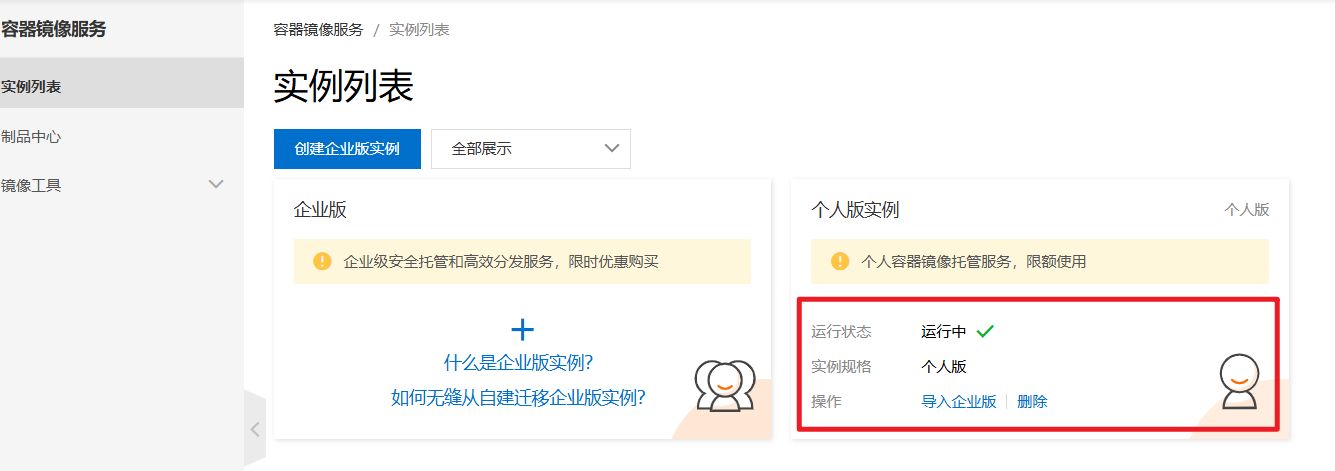
在窗口中,创建个人版实例,创建完成后,如下图所示
1. 绑定代码源
绑定账号:
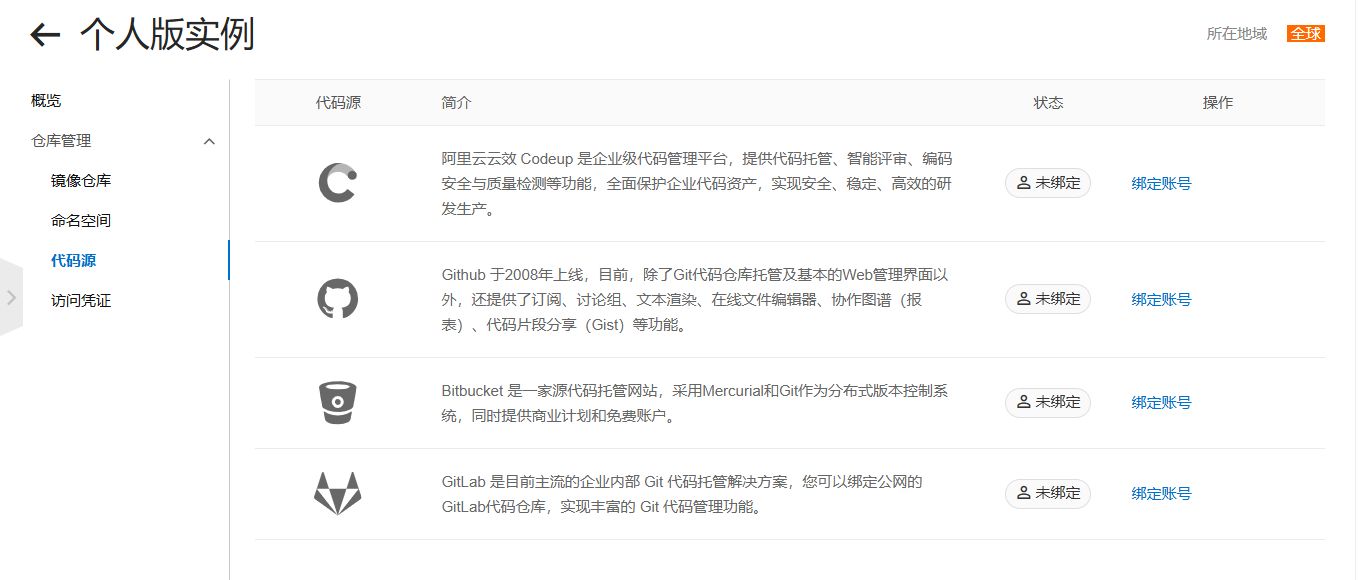
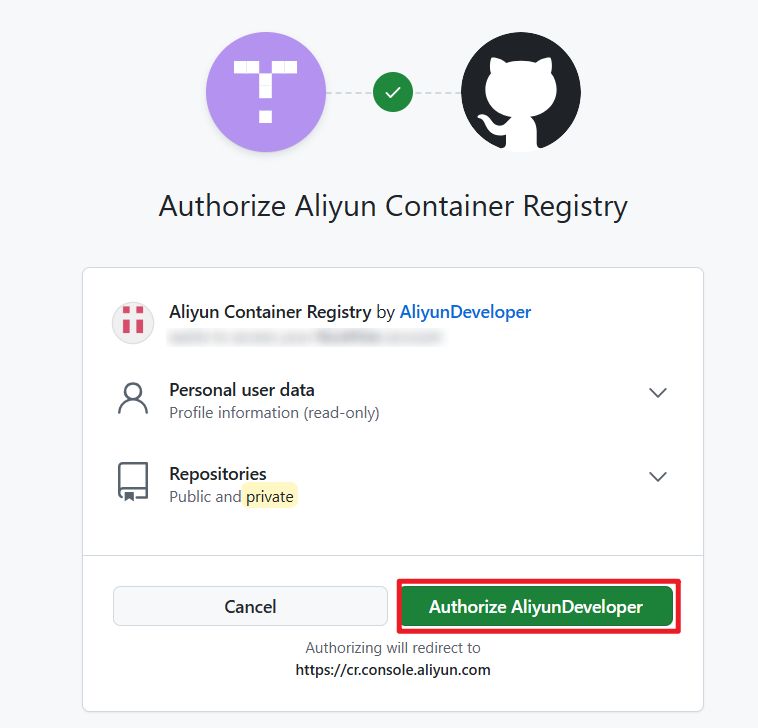
点击绑定,跳转
2. 创建镜像仓库
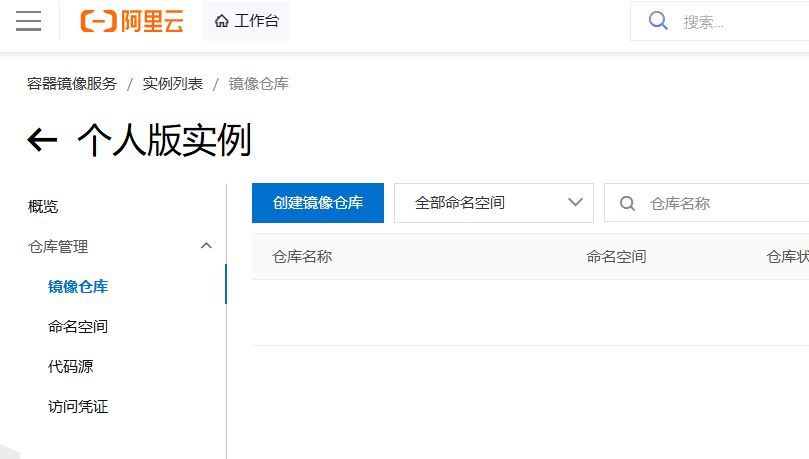
填写仓库信息
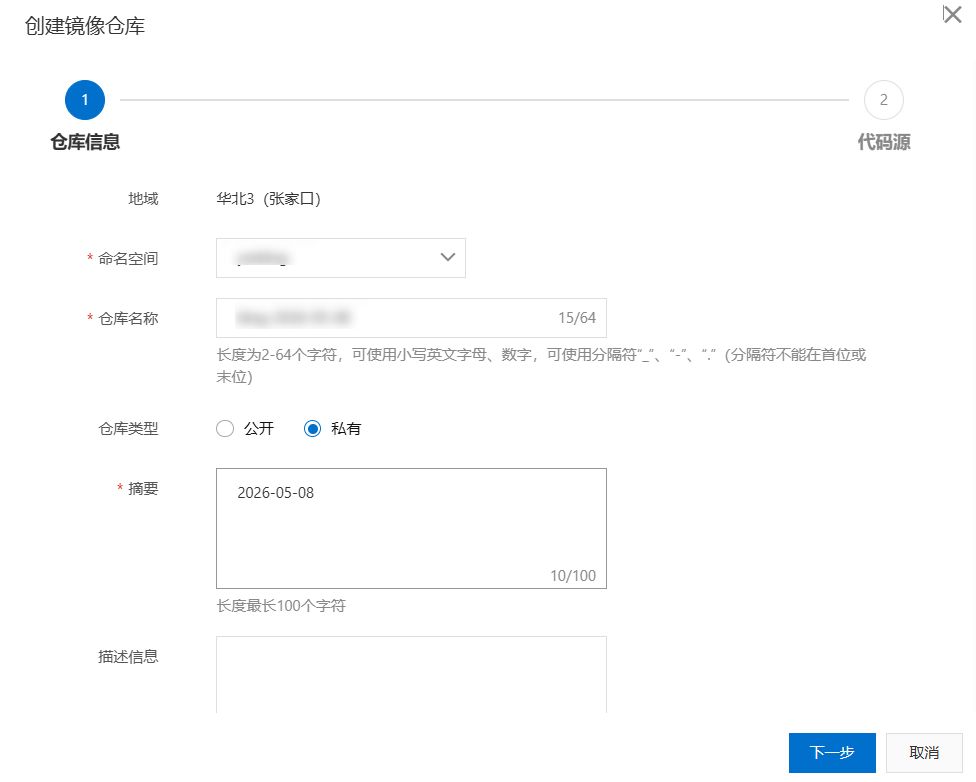
若此前没有绑定账号:
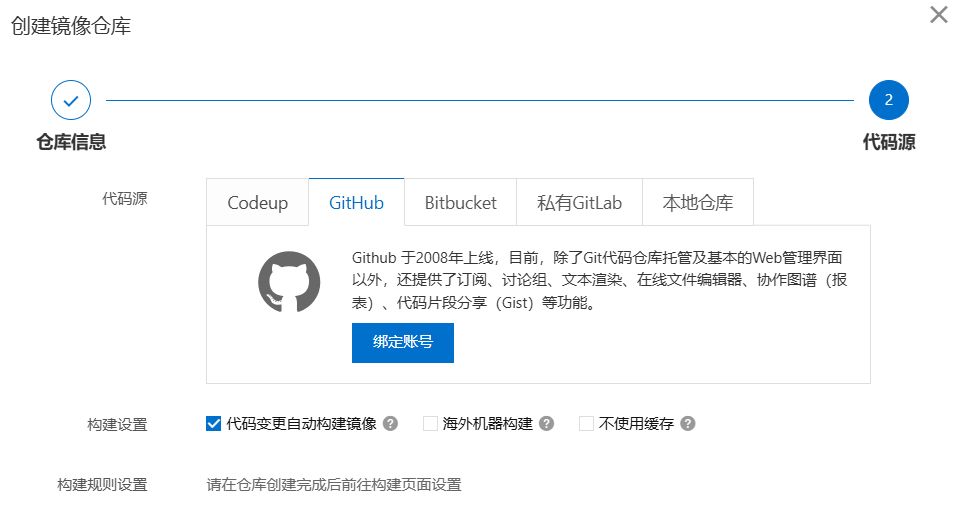
若绑定了账号,可以查看到你的仓库:
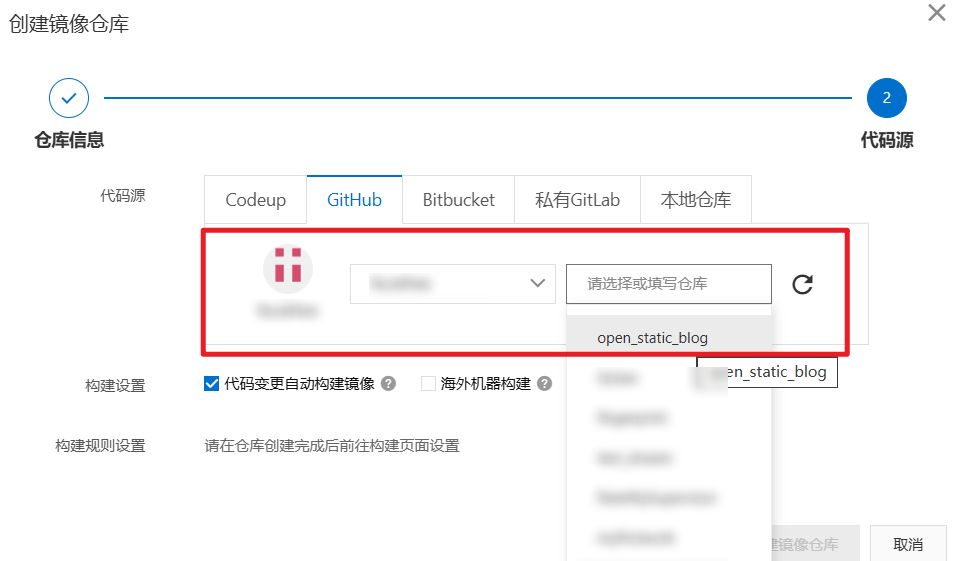
3. 自动构建流程
思路01:基于 aliyun-acr 触发构建规则
思路02:基于 github-action
参考资料
容器镜像常见问题 https://www.alibabacloud.com/help/zh/acr/support/faq-about-container-registry
常见问题
push access denied, insufficient_scope
如果遇到推送镜像时报错 push access denied, repository does not exist or may require authorization: server message: insufficient_scope: authorization failed,很可能是 GitHub Secrets 中的 ACR_REGISTRY 配置错误。
错误写法:
http://crpi-xxx.cn-hangzhou.personal.cr.aliyuncs.com/ysxblog/open_static_blog正确写法:
crpi-xxx.cn-hangzhou.personal.cr.aliyuncs.com说明:ACR_REGISTRY 只需要填写 ACR 实例地址,不要包含命名空间和仓库路径。